-
…in reply to @masaotapia
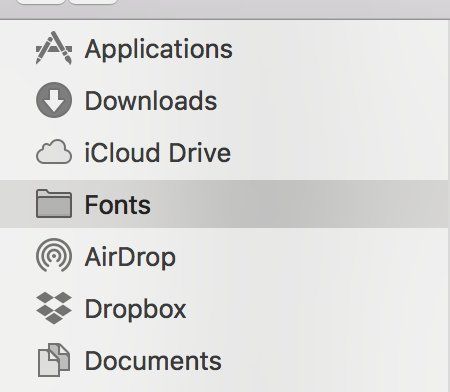
masaotapia 1.Make a folder on your hard drive that has all of your fonts 2.Put a COPY of the font(s) your are using in: ~[username]/Library/Fonts 3.Drag this folder to your finder side bar like so (see screenshot) 4.If you are not using a font, remove it from this folder > trashOn twitter.com
 ❤️ 1 Favorite
2018 Mar 26
Mood 0
❤️ 1 Favorite
2018 Mar 26
Mood 0
-
…in reply to @cjtype
masaotapia In my work I deal with A LOT of fonts (currently 1076 fonts installed because… reasons). It's crucial that I know EXACTLY which font file is installed. This method is the only one that really works. If you group things nicely in folders it's really easy to managePermalink On twitter.com
❤️ 1 Favorite
2018 Mar 26
Mood +1 🙂